Cook Together Recipe Platform Accessibility UX Innovation CMS
Cook Together (CT) is a cooking class repository that started as an internal company program. The platform was designed and built for both public and private use, featuring an innovative and accessible lesson interface to help users recreate recipes on their own time. Partnered companies can run in-house cooking classes, then post class details online for the public or their employees.
Recipe Innovation
Created a two-way interaction system between ingredients and steps, solving the dissociation problem in traditional recipe platforms.
Accessibility First
Implemented enhanced ARIA solutions for two-way binding between ingredients and steps, ensuring assistive technology compatibility.
SEO Success
Achieved #1 ranking in search results for the term "Cook Together" within 6 months of launch.
Employee Engagement
Increased employee engagement and satisfaction, with employees regularly making meals found on CT.
Problem
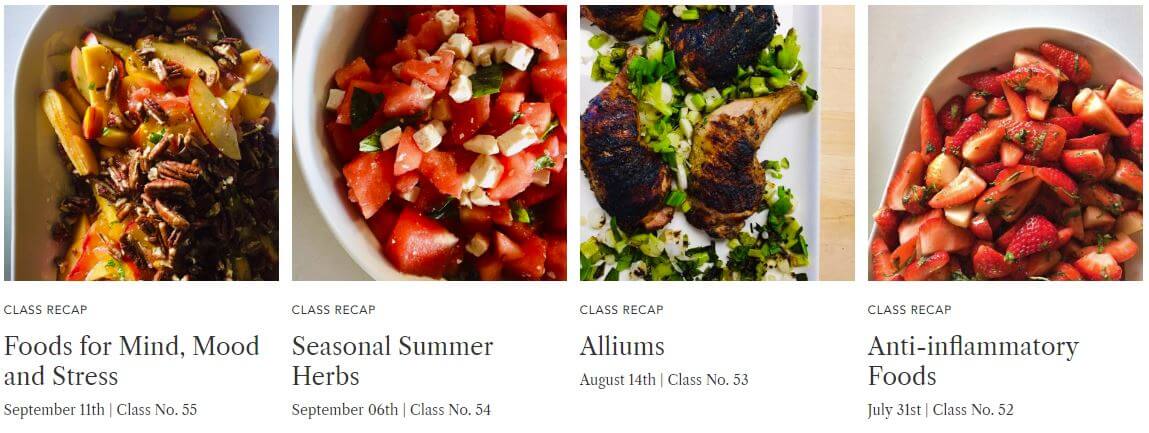
300+ recipes across nearly a hundred classes needed to be presented and organized in an easier way compared to other cooking websites. Conventional cooking or recipe platforms generally take two approaches to displaying information:
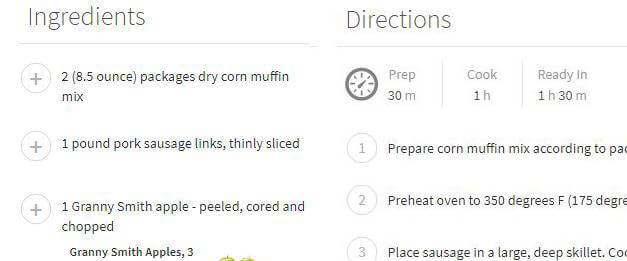
- Present a list of ingredients and a separate list of steps or directions
- Place ingredients as a list within each step
Dissociation between ingredients and steps makes it difficult for users to follow along. Keeping ingredients and steps nested together makes it impossible to gain an overview of the ingredients involved.
Solution
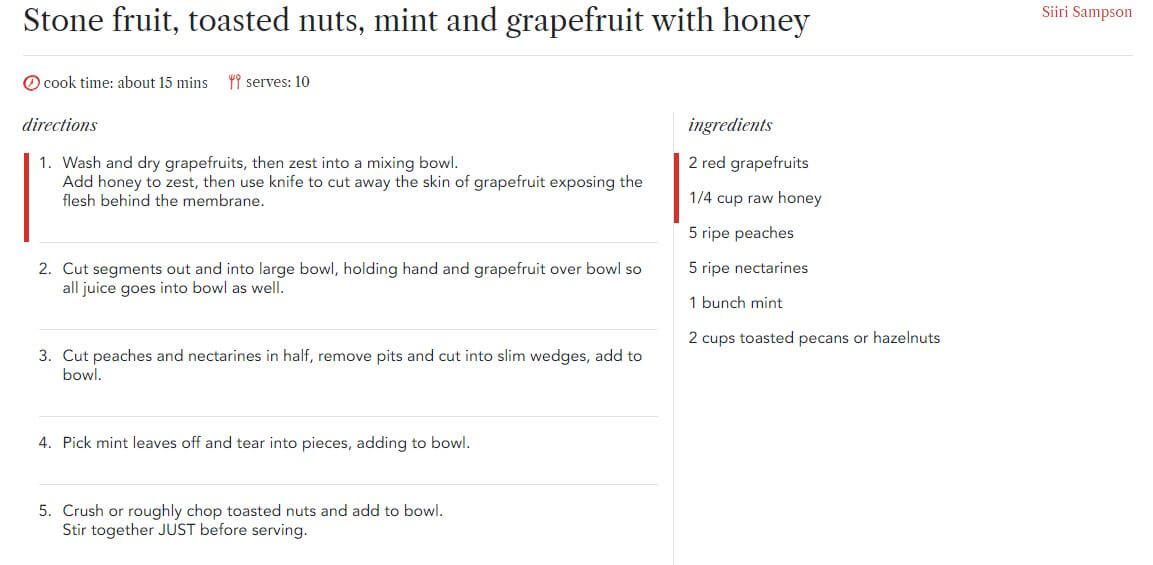
The solution is straightforward: a list that has two-way interaction between ingredients and steps. Interact with a step and the corresponding ingredients highlight, and vice versa. However, the implementation was not straightforward, requiring custom accessibility solutions and backend architecture.
Impact
- #1
- SEO Ranking
- 300+
- Recipes
- ↑
- Employee Engagement
- 100%
- Accessible
Backend Entry
The backend for administrative staff (chefs, nutritionists, moderators) needed to be quick to master while being reusable:
- For each direction/step added, an additional panel would appear requiring entry of the ingredient and quantity
- Each ingredient would be logged for reuse without the quantity
- A finished preview was provided for each entry
Accessibility
It was important that the ingredients and steps interaction was correctly conveyed to users with assistive technologies. At the time of this writing, there does not exist two-way binding of ARIA tags. An enhanced custom solution for tags was developed, addressing a question that was also asked on Stack Overflow.
Successes
Within 6 months of launching CT, product managers noted the following:
- Employee engagement and satisfaction went up
- Consistently healthier lunch choices were observed on non-CT days
- Employees claimed to regularly make meals found on CT
- CT ranked #1 in search results for the term "Cook Together"
- The platform successfully transitioned from internal program to public platform
Conclusion
Cook Together successfully transformed an internal employee benefit into a full-fledged platform that could be spread to other companies and partners. By solving the fundamental UX problem of recipe presentation through innovative two-way interaction, and ensuring accessibility from the ground up, the platform became both user-friendly and SEO-friendly. The success metrics demonstrate that thoughtful UX design and accessibility considerations can drive both user satisfaction and business outcomes.